
RISA / Customer portal / UX & UI design
KEEP IT SIMPLE.
MAKE IT WORK.
A customer portal built from the ground up to improve the customer experience and streamline internal processes. As Lead UI Designer, I helped bring RISA’s customer and employee needs into one design process.
Explore the work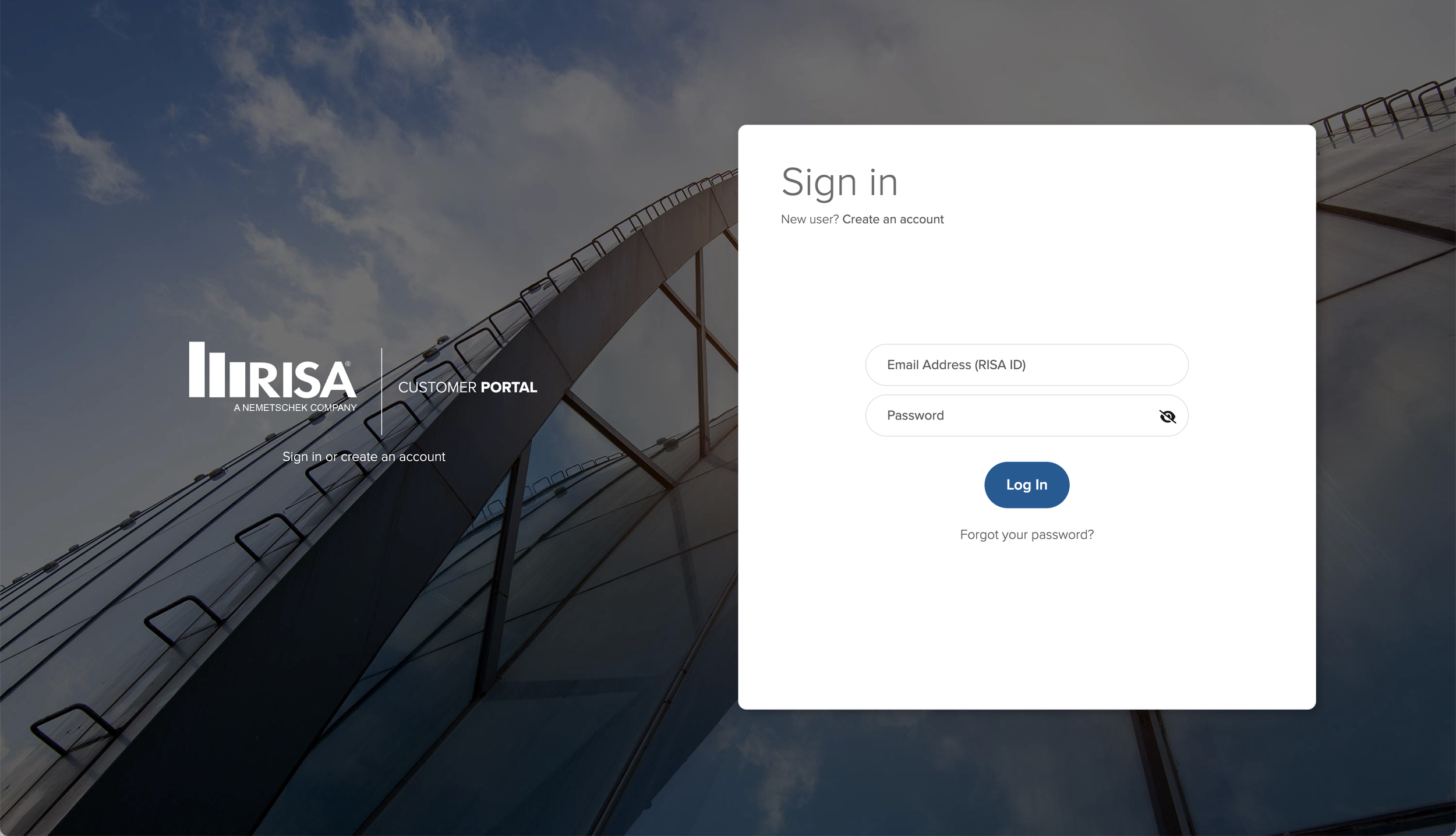
Client
RISA
Project
Customer portal
My role
Lead UI Designer
The project
BETTER FOR CUSTOMERS.
SIMPLER FOR TEAMS.
The project had two connected goals: improve the experience for RISA customers and streamline internal processes for RISA employees.
My responsibilities included UX/UI design, project management, coordination with developers and project management, and digital asset and media generation.
Internal and external interviews were conducted and documented, with findings applied to the build. The design work focused on clarity, straightforward navigation, and reducing friction in the purchase flow.
A CLEARER PATH
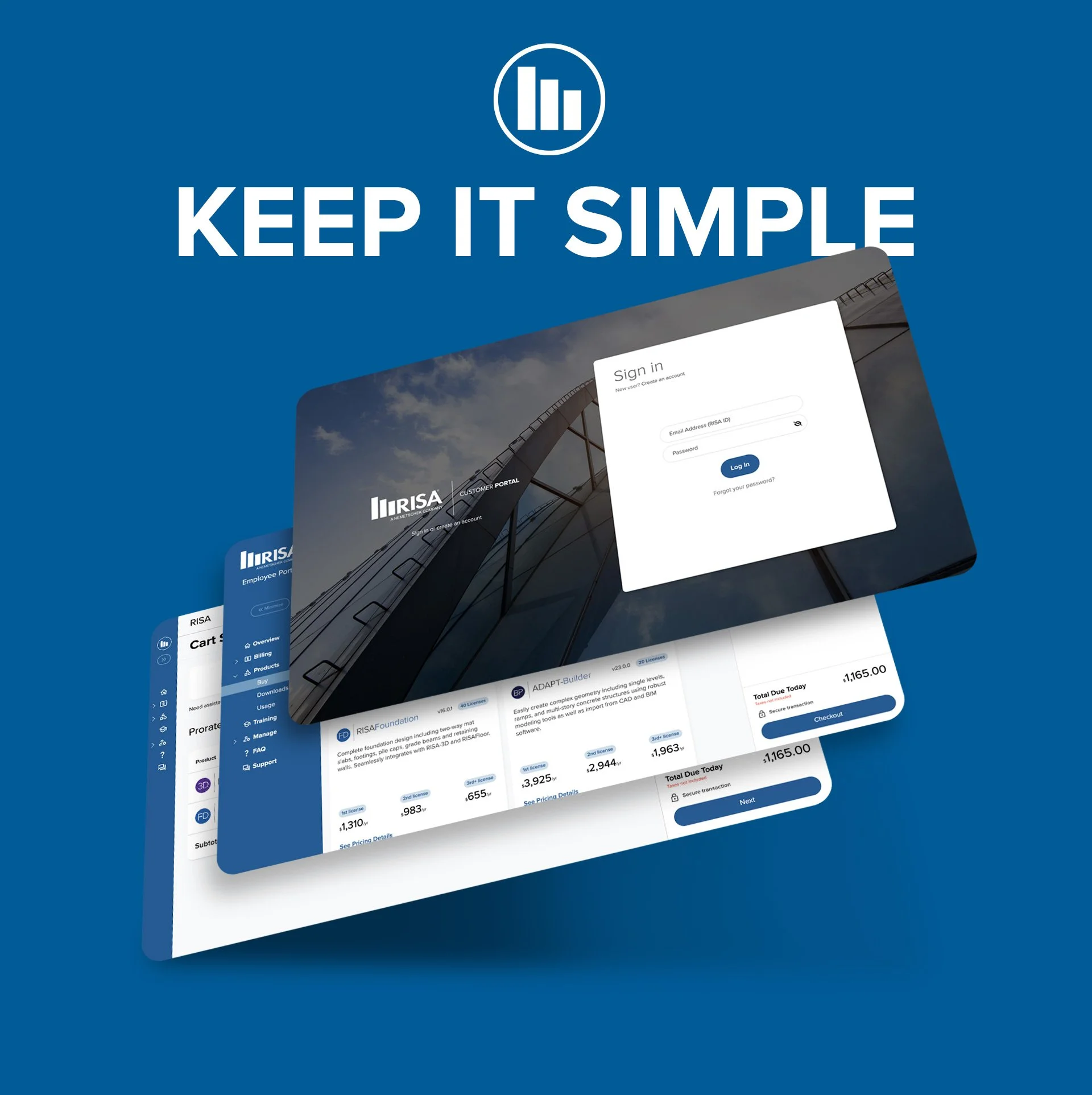
Designing the screens customers use to sign in, explore products, and review purchases, with a focus on clean layouts and clear next steps.
A CONNECTED PROCESS
Considering employee needs alongside customer needs, informed by interviews and coordination with the team responsible for the build.
01 / Purchasing experience
FROM PRODUCT CHOICE
TO CART SUMMARY.
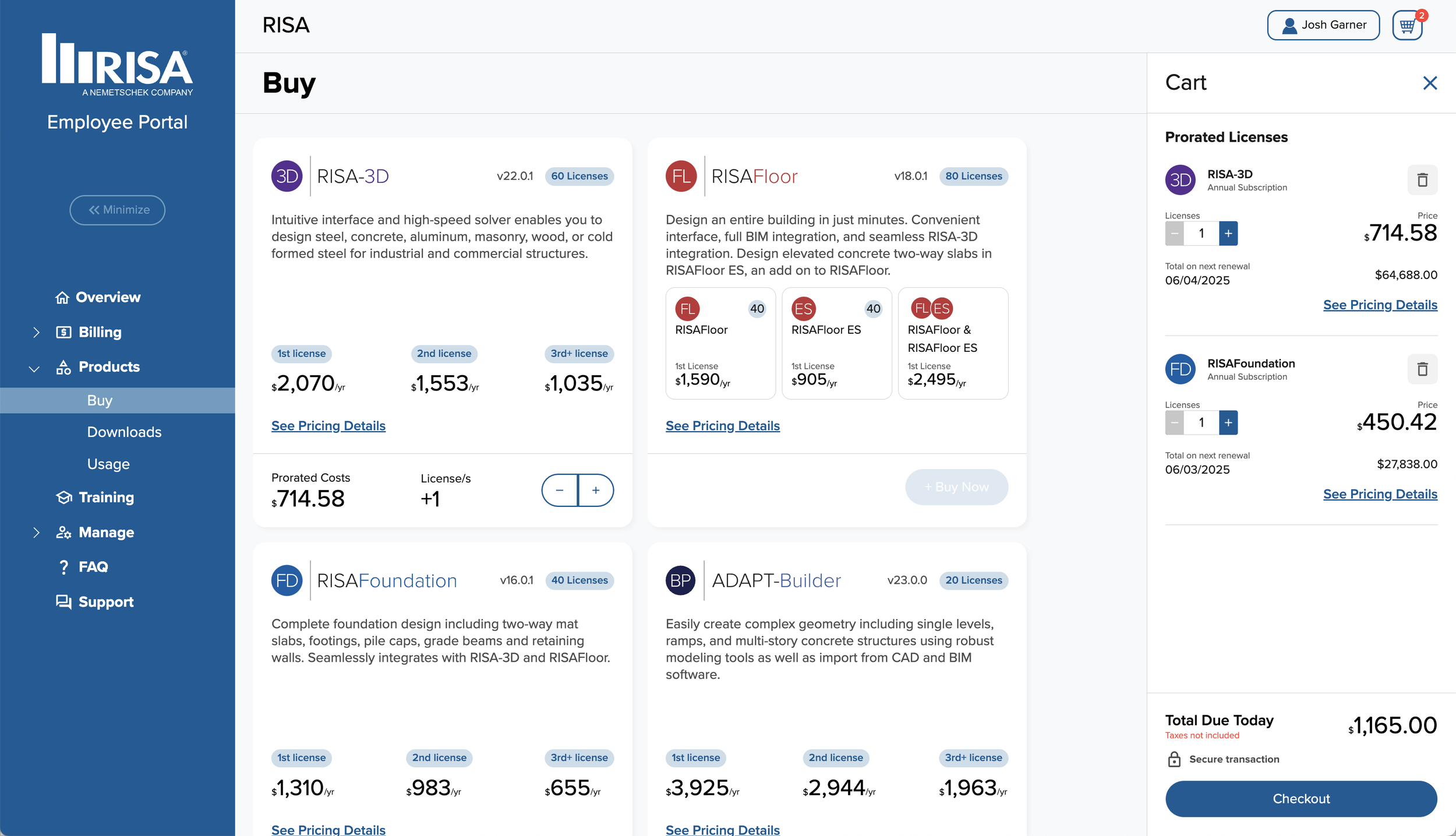
The interface brings product selection, license information, and cart details into a consistent visual system.
Interface detail
INFORMATION AT A GLANCE.
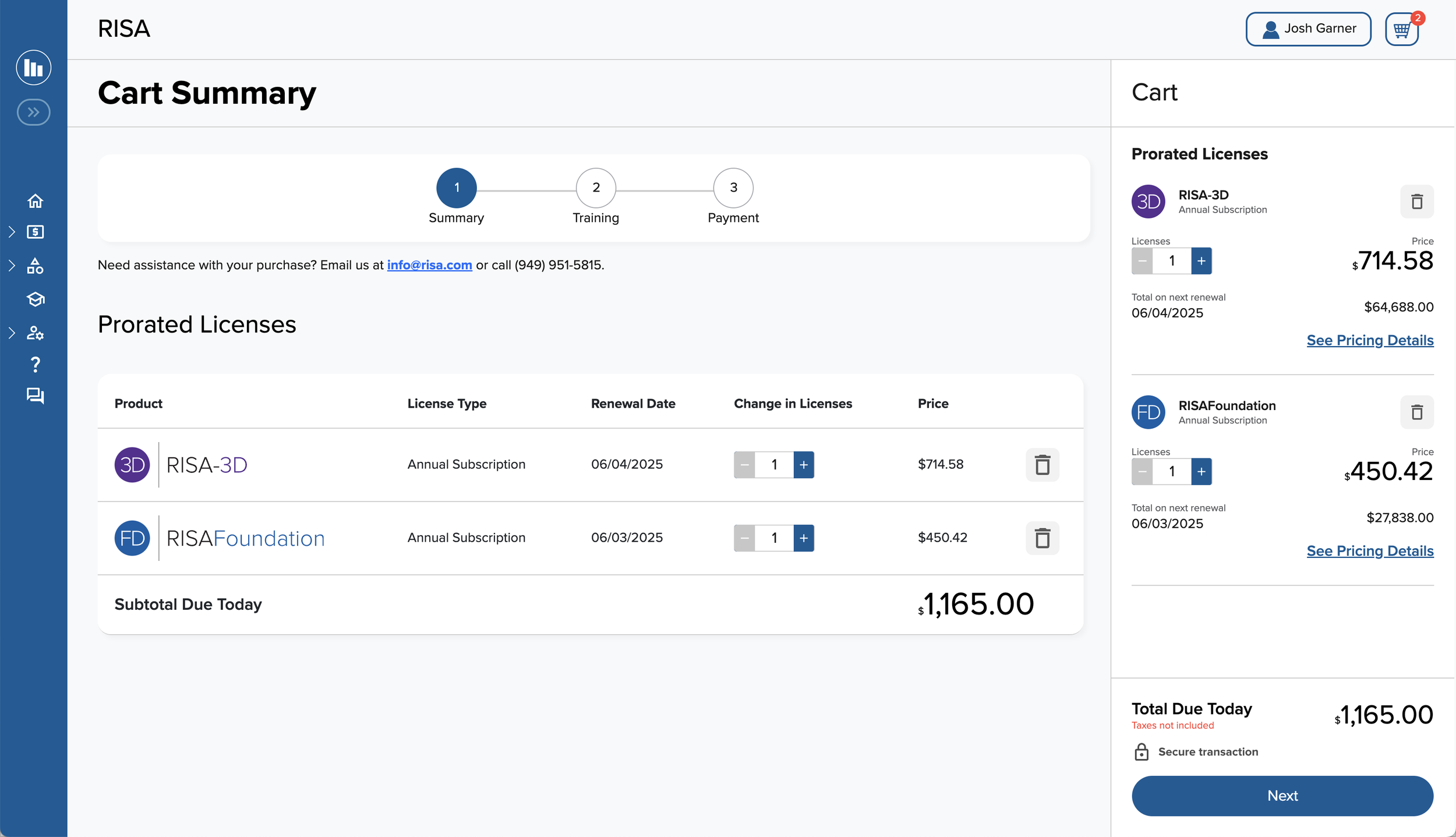
The cart-summary screen groups products, license types, renewal dates, quantities, and prices in a structured table.
A visible step sequence and persistent cart summary help explain where the user is in the purchase flow and what comes next.
02 / Account access
ONE ENTRY POINT.
A FAMILIAR EXPERIENCE.
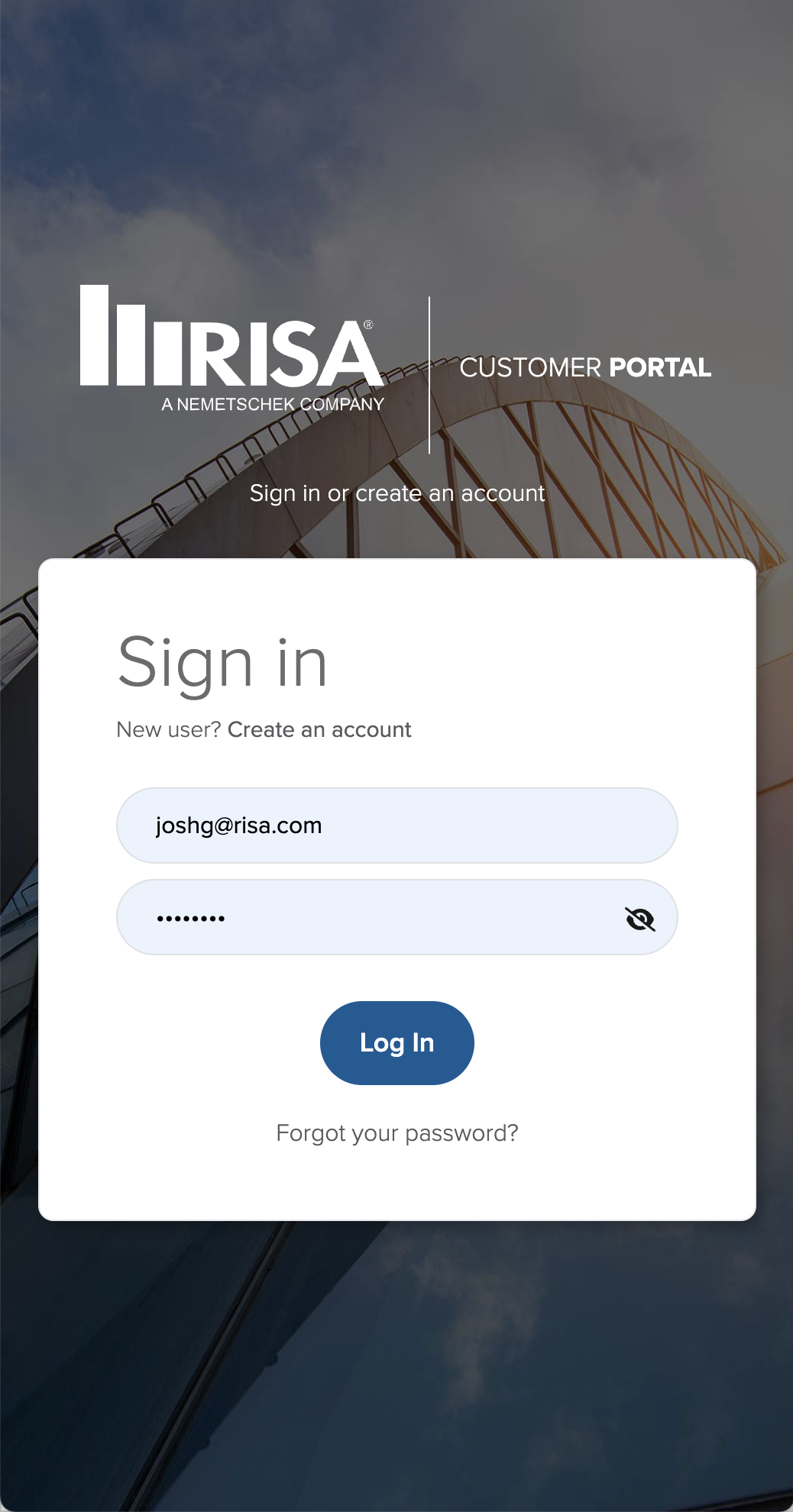
Desktop and narrow-screen sign-in designs share the same RISA identity, form hierarchy, and login controls.
Design objectives
LESS FRICTION.
MORE CLARITY.
- Keep the interface clean and simple.
- Make navigation easy to understand.
- Reduce friction in the purchase flow.
- Identify and address UX challenges.
- Consider customer and employee workflows together.
03 / Wireframes & interface planning
THE WHOLE FLOW.
BEFORE THE DETAILS.
Design boards show the broader portal experience, connecting individual screens with the flow around them. Select any board to inspect the original artwork.
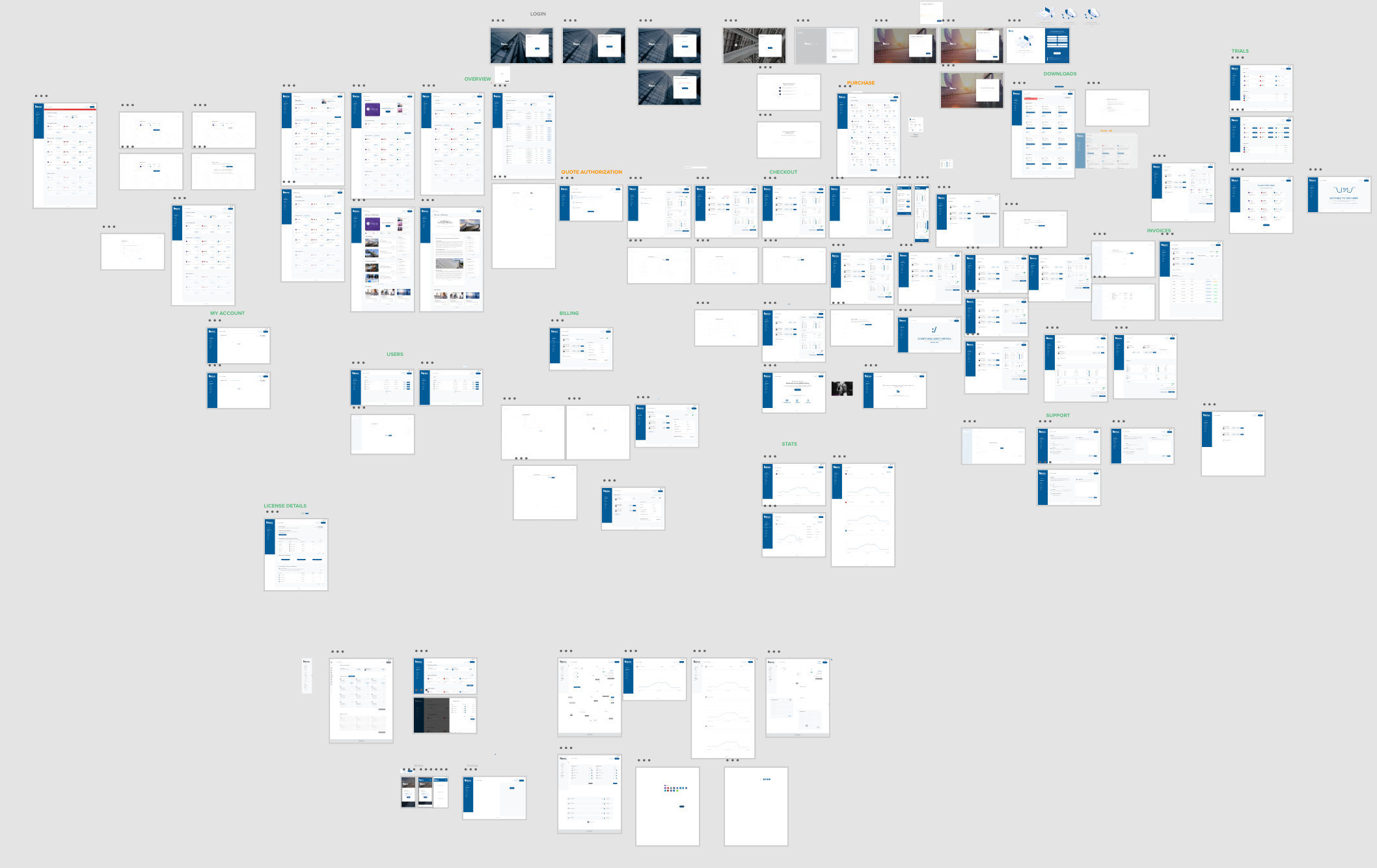
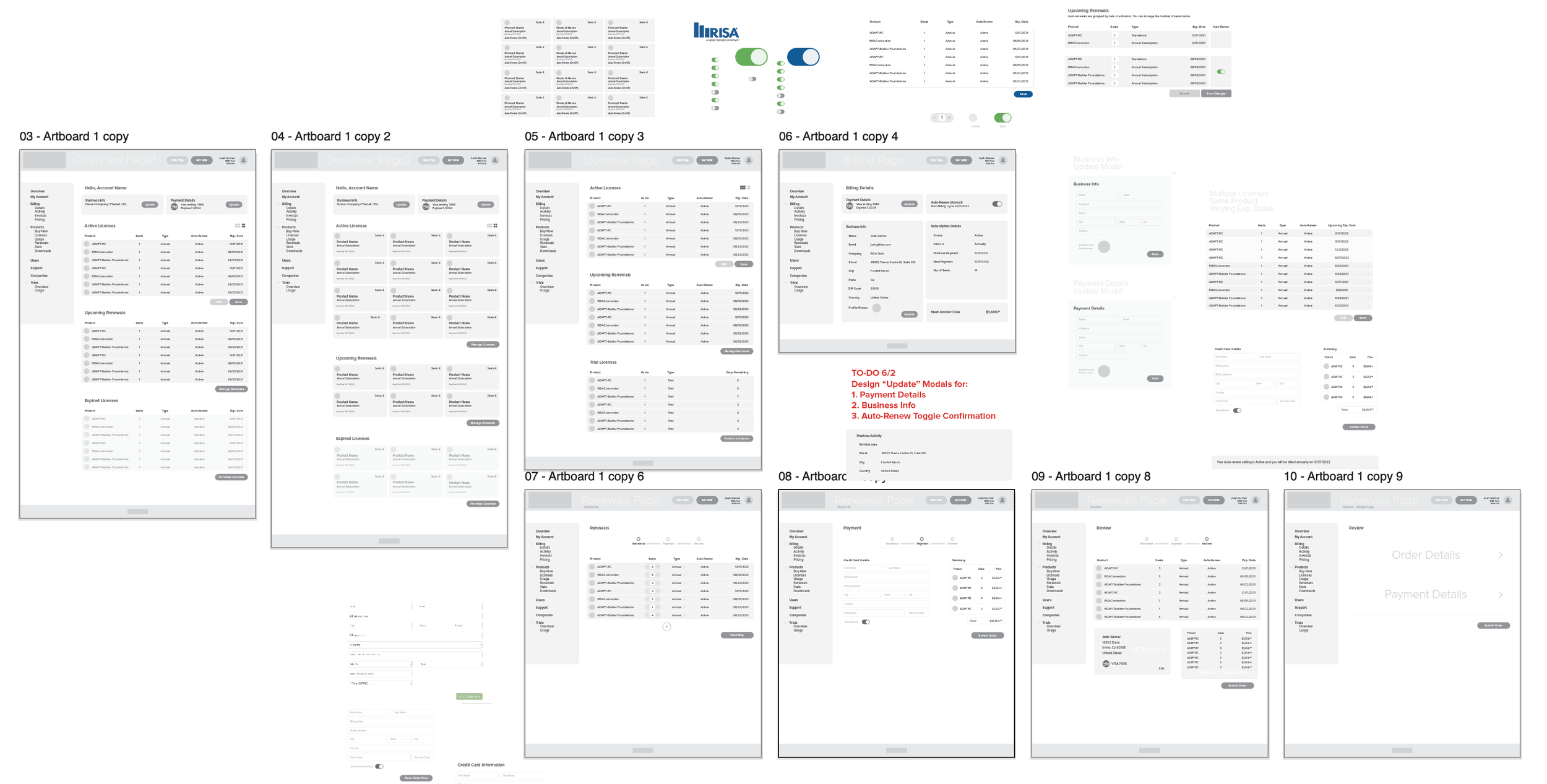
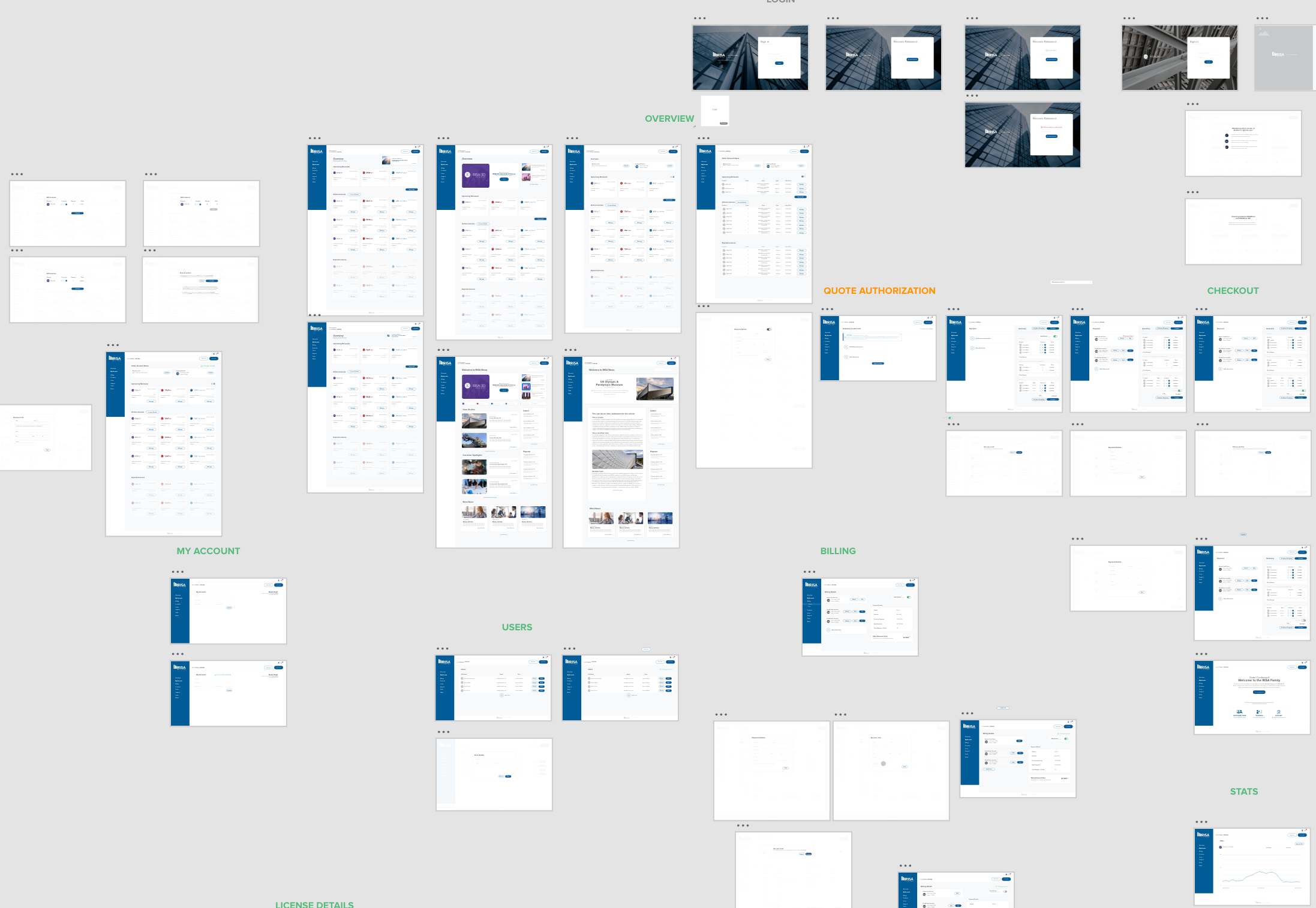
Images document the project’s design work. The current portal may differ and may require an account.
04 / Frequently asked questions
THE PROJECT.
THE DETAILS.
Answers about the RISA portal, my role, and the design process.
What is the RISA Customer Portal project?
The RISA Customer Portal was built from the ground up to improve the customer experience and streamline internal processes for RISA employees. This case study presents the UX/UI design, interface screens, and wireframe work.
What was Josh Garner’s role in the RISA portal project?
Josh Garner served as Lead UI Designer. His responsibilities included UX/UI design, project management, coordination with developers and project management, digital asset and media generation, and documenting internal and external interviews.
Which parts of the RISA portal are shown in this case study?
The work includes desktop and narrow-screen sign-in designs, a product-selection screen with a cart, a cart-summary screen, and design boards showing interface studies and connected screen layouts.
Which design tools were used for the RISA portal?
Adobe XD and Figma were used for the RISA portal design work.
What were the UX goals for the RISA portal?
The goals were a clean, simple interface, easy navigation, less friction in the purchase flow, and solutions to identified UX challenges. The project considered both customer needs and internal employee processes.
How can I discuss a customer portal or UX/UI project with Josh Garner?
Contact Josh Garner with your project goals, the people who will use the portal, and the workflows you want to improve. These details provide a starting point for discussing the design work.
Your next digital experience
MAKE COMPLEX
FEEL SIMPLE.
Bring your customers, your team, and your workflows into focus. Let’s talk about the experience you’re building.
Let’s talk about your project